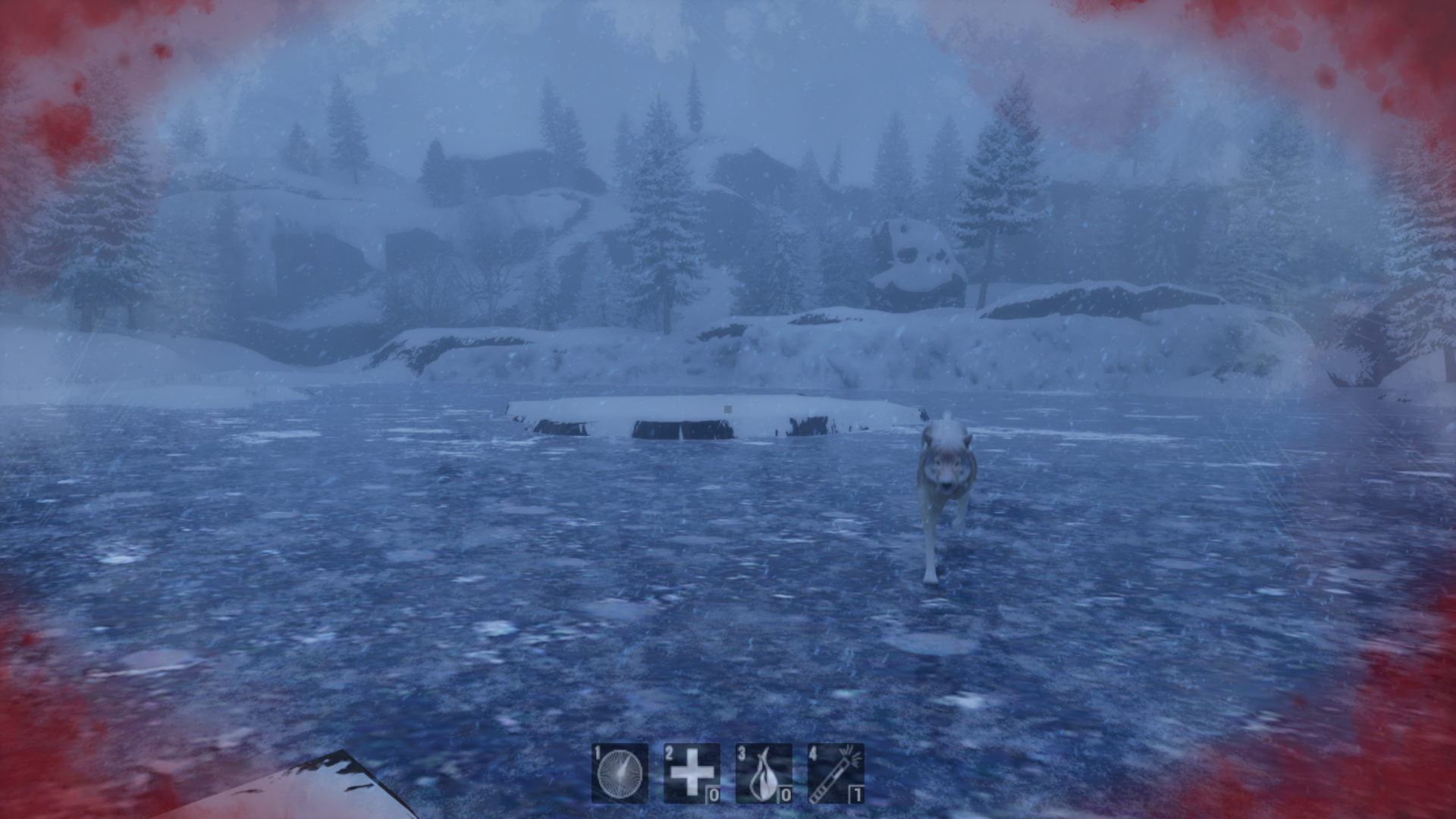
Cold Turkey
I was in charge of the character controller (very simple, we copied in the third person example controller and then modified it). I added a sprint function to it and a stamina system. Since the game revolves around surviving the cold, I tasked with creating a heat system for our game which included safe zones and then items connected affected the players heat. I was also in charge of the checkpoint system and most of the visual feedback such as the UI, HUD and Head bob.
Stamina/Heat
The stamina system is very simple, it's basically just a float that is clamped between 0-100 that goes up by default and goes down when the player is sprinting. Heat works in the same way except for the way you get heat back. The different ways you can get heat back is through using items or walking into cabins/safe zones that will regenerate your heat. This system was mostly made in C++ and was made a bit too overcomplicated. The way this was done is the player has a SetIsInside() function that gets called when you walk inside and depending on the inside trigger it checks different bools on the player.
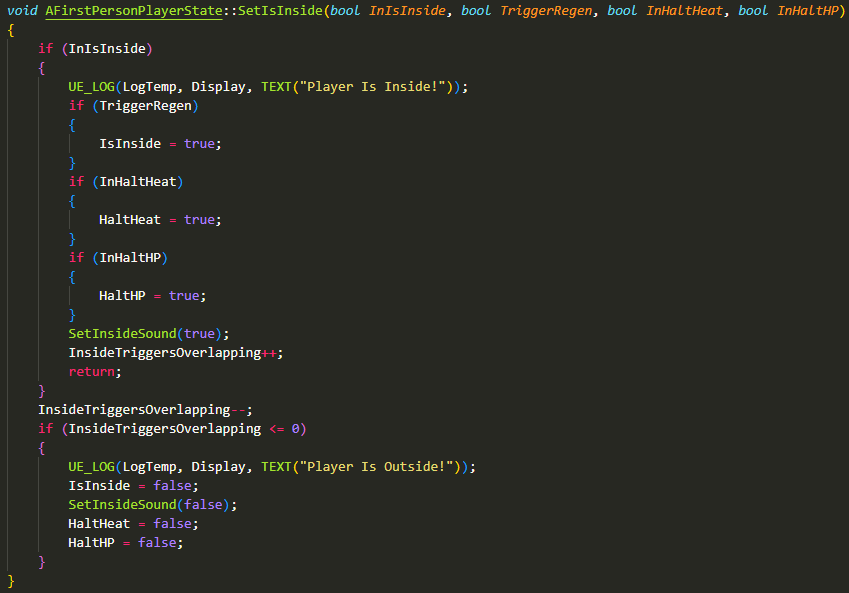
This was used for halting hp regen, halting heat, hp regen, heat regen and inside sound. While this solution works, it would have been way easier to just have this code on the inside trigger. So every tick the inside trigger checks if it's colliding with the player and if it is it will trigger the bool. This way would be way easier to understand and would have been faster to implement. The reason this was done in such an overcomplicated way was because it is more performant but it makes such a negligible difference that a simpler solution would be better.
Checkpoints
The Checkpoint system was entirely made in C++, the reason for this was because it is so simple to make and I already had some code in a recent project that was very similar so it was basically just a copy and paste with some tweaking.
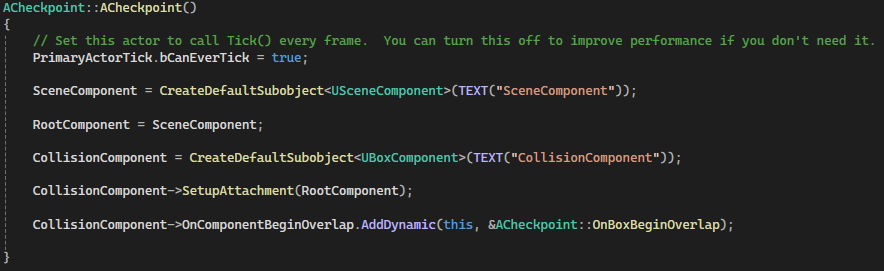
When you overlap a checkpoint it calls the CheckpointTaken() function which adds the overlapped checkpoint’s position to a checkpoint array that is stored on the player.

When the player dies it grabs the latest object in the checkpoint array which will be the latest checkpoint you overlapped. This system is very simple and works very well, it doesn't really need to be any more complicated. It can also easily be built upon, for example, right now we can take the same checkpoint multiple times but this can easily be changed by checking if the checkpoint is already in that array before adding it.
Visual Feedback
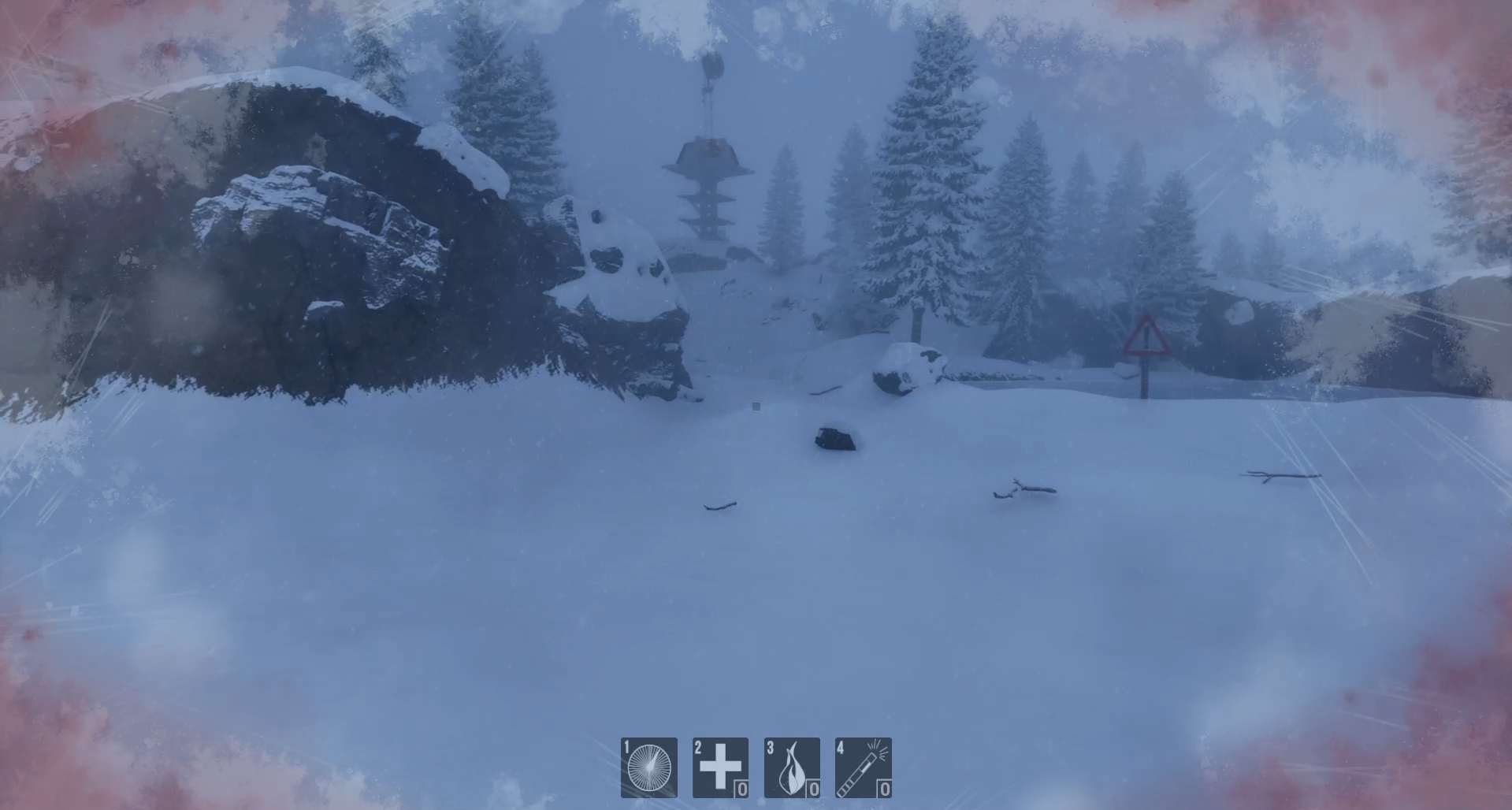
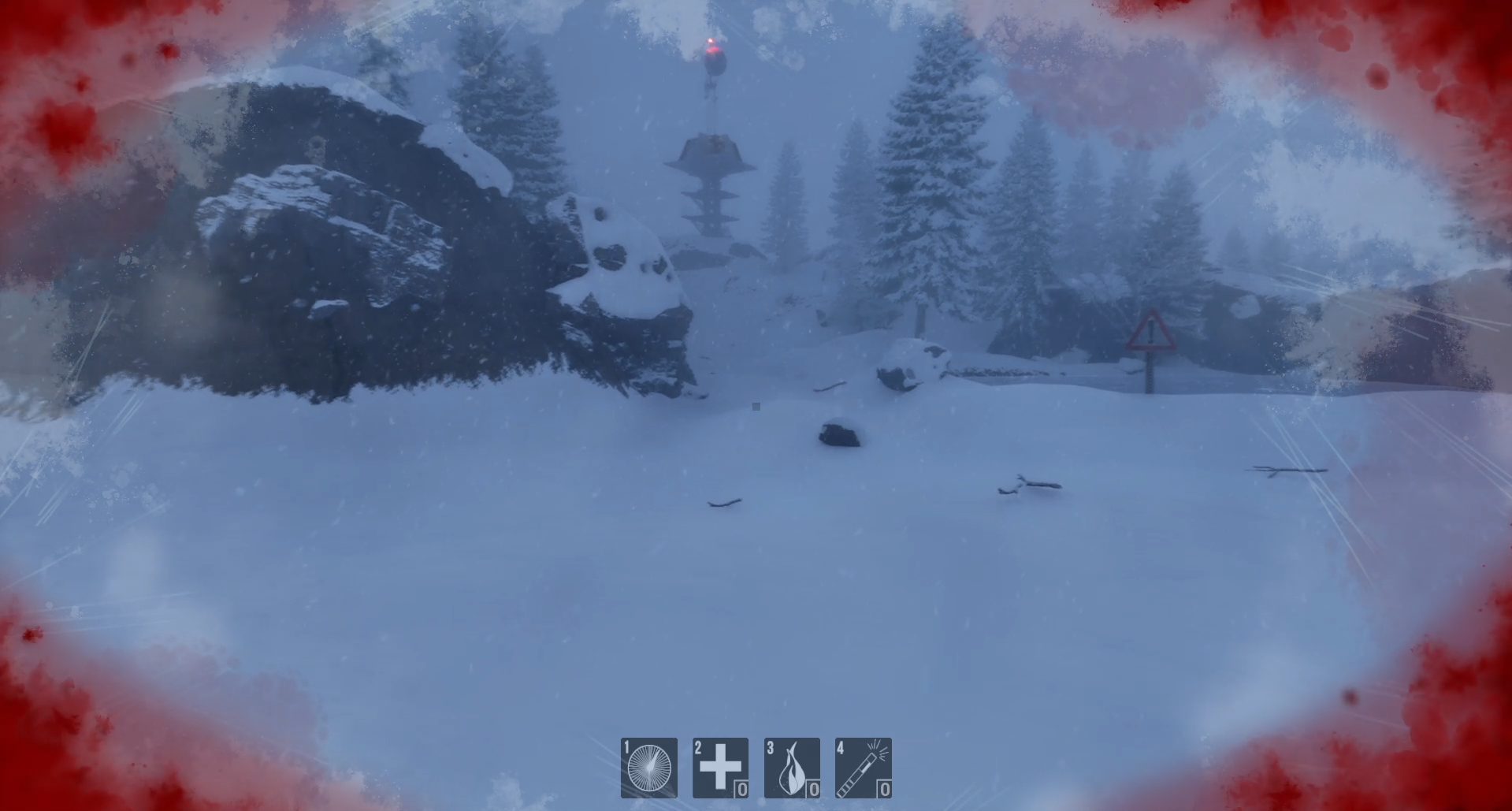
This was my first time making UI/HUD elements in Unreal Engine so there was a lot of confusion on how to make elements appear on a certain part of the screen but in the end I think it turned out really well. The Ingame UI has 4 images at the bottom of the screen that shows how many of each item the player has. These also light up when you press them to give the player some feedback.
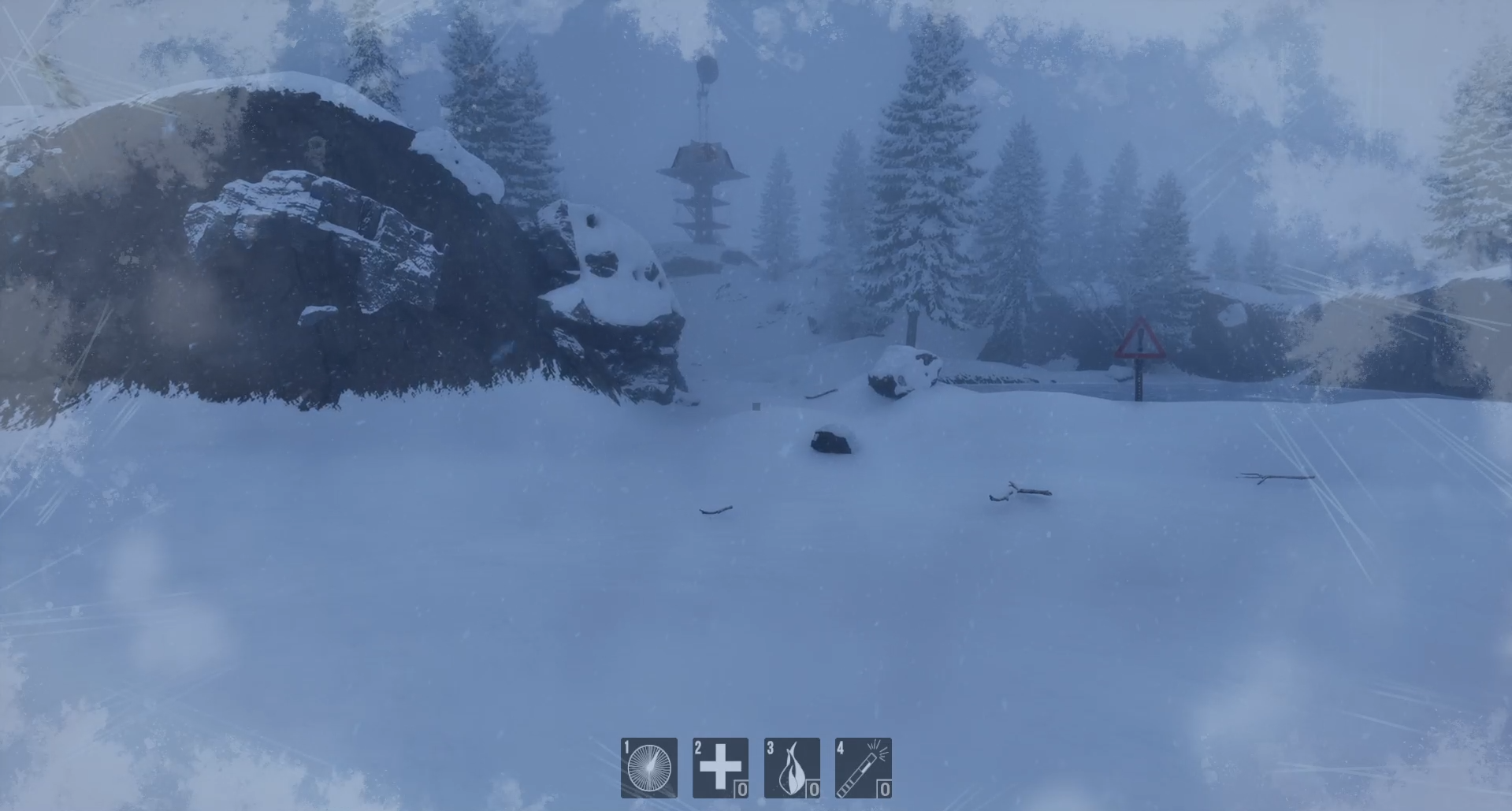
When the player is outside for too long a cold effect fades in around the screen which tells the player that they need to either find shelter or heat up with the use of items. The way we gave the player feedback about its health was through flashing red around the edges of the screen. This was done with a blood png that was provided by one of the artists and then I used Unreal’s animation system and put down key points to change the alpha of the blood. This gave the blood a pulsating effect when the player was taking damage.
The headbob was made using Unreal’s Camera Shake class and since it was my first time utilizing camera shake in any engine I was pretty lost. I first made the camera shake a bit by default as humans are never 100% stable as we breath and move. I then increased the shake intensity based on how much stamina the character had (less stamina = more shake) this really makes the character feel tired after running a bit. The final touch was adding a shiver when the character was cold enough, this was done by making a fast rapid horizontal shake that happens every 1-2 seconds.
Conclusion and Takeaways
I think all the visual feedback turned out really well which I am very proud of since it was my first time working with a lot of the systems that were used. Aside from the SetIsInside() Function, I think most of the code was very well written and easy to understand.